 ReadingTrack
Too many tabs to read?
Listen to them instead.
Press Listen in the ReadingTrack reader and your saved article is read aloud, paragraph by paragraph, while the text follows along. Stop any time. Next time, it carries on from the paragraph where you left off.
Any modern browser · your device’s own voices · free
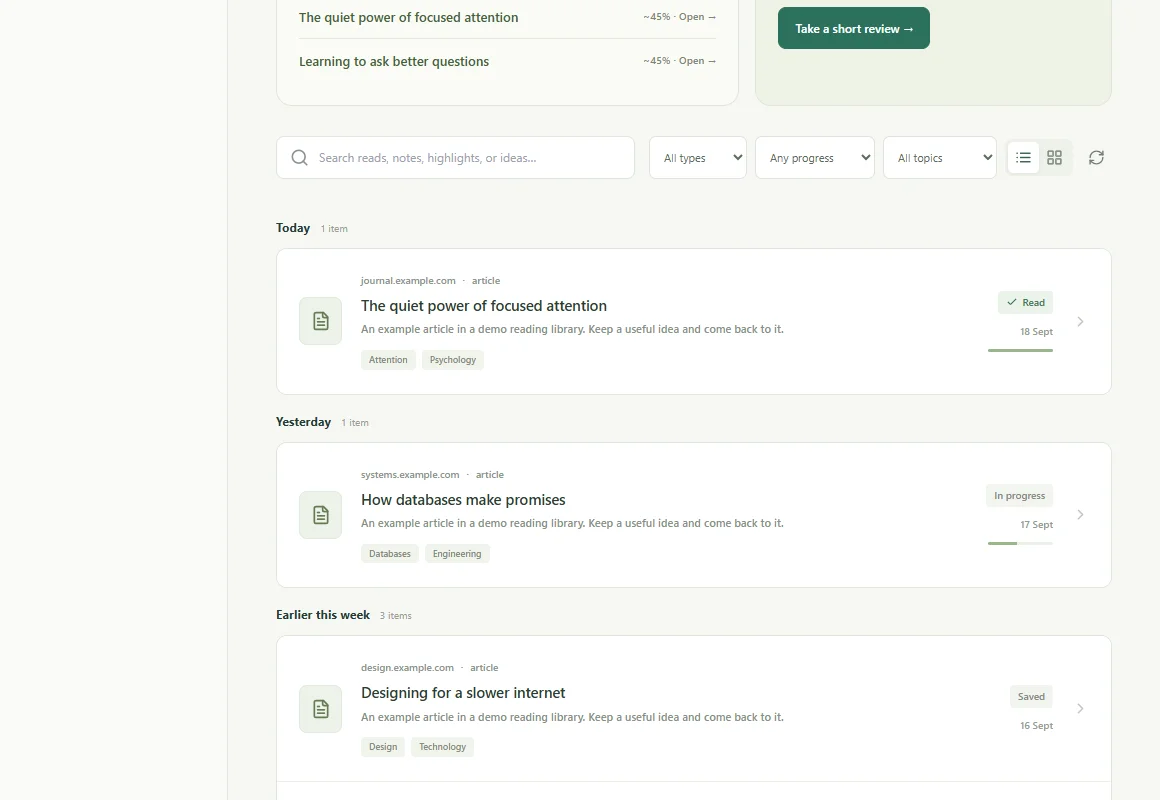
The same article,
whichever way suits you.
Listen is part of the reader, not a separate app. Switch between reading and listening, and your highlights, progress and reviews stay with the article.
- 01 · PRESS LISTEN
Read aloud, sentence by sentence
Your device’s own voice reads the article. The paragraph being read is marked, and the page follows along.
- 02 · STOP ANY TIME
Your place is kept
Pause to highlight a line or make tea. Next time, Listen carries on from the same paragraph.
- 03 · REMEMBER IT
Keep the idea, not just the audio
Highlight while you listen, add a takeaway, and get a short review a few days later.
Listen uses the speech voices built into your browser and operating system. The article text isn’t sent to a speech service, it costs nothing, and it doesn’t use your AI allowance.
Choose a speed from 0.75× to 2×. Code blocks and tables are skipped. Prefer the keyboard? Press L to play or pause, and F for focus mode, which hides everything but the text.
A small addition
to the way you read.
- 01
Save an article
Paste a link into your library, or save the page from the Chrome extension or the share sheet on your phone.
- 02
Open it and press Listen
Choose Read here, then Listen. Pick a speed; the paragraph being read is marked as it goes.
- 03
Carry on later
Stop whenever you like. Next time, Listen picks up from the same paragraph.
Before you start.
What the product does, where it helps, and what the numbers mean.
How do I listen to an article?
Save the article to ReadingTrack, open it with Read here, and press Listen at the top of the reader (or press L). The reader reads it aloud sentence by sentence, marks the paragraph being read and scrolls with it. Press Pause, or L again, to stop.
Is Listen free? Does it use AI?
Yes, it is free on every plan and uses no AI allowance. Listen uses the speech voices already built into your browser and operating system, so the article text is not sent anywhere to be turned into audio.
Does it remember where I stopped?
Yes. ReadingTrack remembers the paragraph you stopped at in that browser, so pressing Listen next time carries on from there. When an article is read to the end, it starts from the top again.
Can I change the speed or the voice?
Choose a speed from 0.75× to 2× while listening. Listen picks a voice for your language, preferring voices on your device. You can add more voices in your operating system’s speech or accessibility settings.
Which browsers and apps work?
Listen works in the reader on the ReadingTrack website in current versions of Chrome, Edge, Safari and Firefox, on desktop and on phones. The iPhone and Android apps don’t have Listen yet. Code blocks and tables are skipped, since they don’t read well aloud.
Can I listen to text that isn’t saved in ReadingTrack?
Yes. The free Read Aloud tool at readingtrack.com/tools/read-aloud reads any text you paste, with no account. Listen in the reader adds your library, remembered places and reading history.
Let your next good read be read to you.
Start listening freeSave an article, open it in the reader and press Listen.