 ReadingTrack
Read in Chrome.
Keep the bigger picture.
Save a page, read at your own pace, and return another day. The ReadingTrack extension connects those visits to your library and reading insights.
Desktop Chrome · free to get started
Pick up where
your curiosity left off.
The extension connects active reading sessions to a saved URL. A second visit adds to the same article’s reading history.
- 01 · SAVEA page worth keeping
Open the extension and save the current page.
- 02 · READGive it your attention
Focused, active reading contributes to tracked time.
- 03 · RETURNAnother visit, same article
Come back later. Your synced sessions add up.
Workflow illustration. Reading activity is an estimate; browser PDF viewers and restricted pages may not support tracking.
What is recorded?
Saved page URLs and titles, synced active-time intervals and progress, plus notes and highlights you choose to keep. The extension uses page access to detect reading activity.
What does AI process?
The backend fetches supported saved pages and sends article content to an external AI provider for extraction. Source content and generated analysis may be stored. Avoid saving sensitive content you don’t want processed.
What can I control?
Manage site exclusions and recurring emails in Settings, pause daily review suggestions, remove items from your library, and export synced reading data. For permanent data deletion, contact readingtrack.official@gmail.com.
A small addition
to the way you read.
- 01
Install and connect
Add the Chrome extension, sign in to ReadingTrack, and connect your account.
- 02
Save a page and read
Choose Save page. Keep highlights with the right-click menu while you read supported pages.
- 03
Open the bigger picture
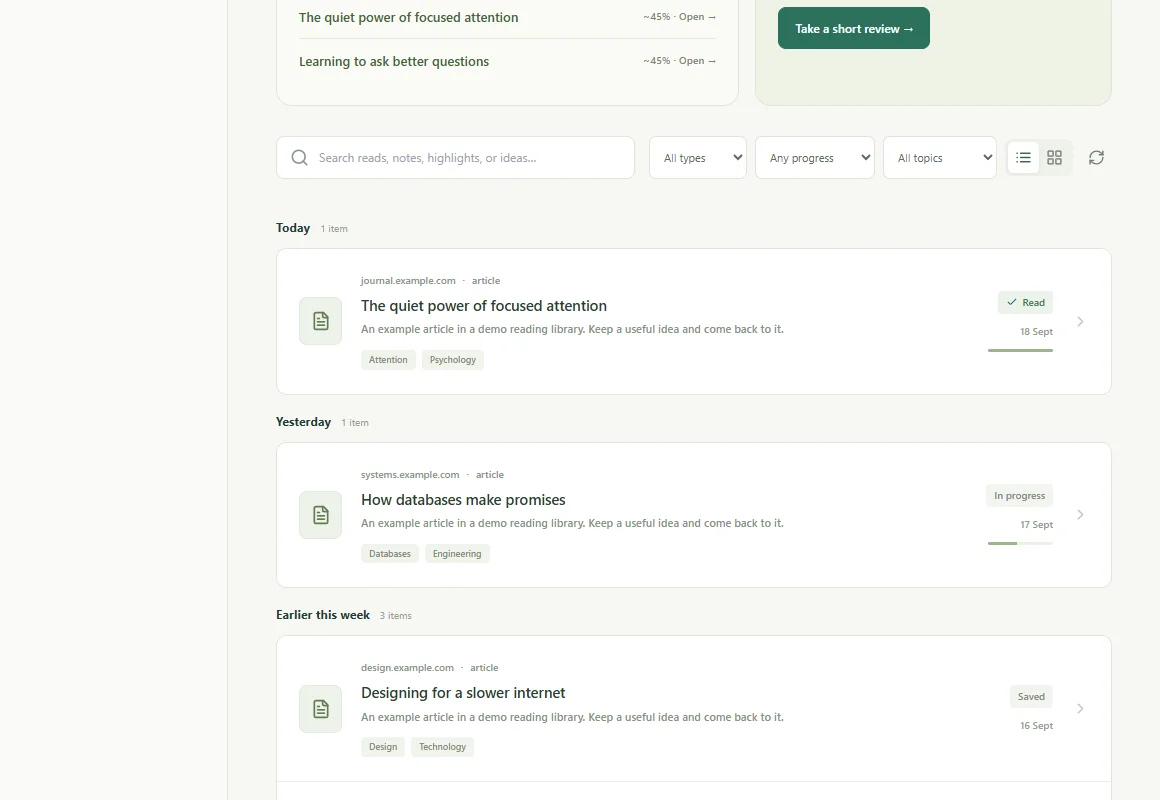
Return to your library and Insights to see synced activity across visits.
Before you start.
What the product does, where it helps, and what the numbers mean.
Do I need to sign in and save the page first?
Yes. Sign in to ReadingTrack and connect the extension. Save the current page to your library; tracked sessions are associated with saved pages. Installing the extension alone does not create a complete history of everything you browse.
Does it record every site I visit?
The extension has page access to detect reading activity, but reading sessions are associated with saved pages. It is not a browser-history export. You can configure site exclusions in ReadingTrack Settings.
Does an open background tab keep adding minutes?
No. Active-time tracking uses page visibility, focus and recent interaction. Inactive time is excluded. These signals estimate activity; they cannot measure comprehension.
What happens to article content?
Saved URLs may be fetched by the backend for extraction. Supported article content is processed by an external AI provider to produce summaries and review material, and extracted content and analysis may be stored. Highlights and notes you choose to save are stored too. Read the privacy policy for the broader data policy.
Does it work on mobile, Firefox or Safari?
This page covers the Chrome extension on desktop. You can open the ReadingTrack website and save links on mobile, but do not expect desktop-extension time tracking there. We are not claiming native Firefox or Safari extensions.
A little more from your next tab.
Add ReadingTrack to ChromeInstall, sign in, and save your first page.