How to import from Linkwarden
- In Linkwarden, open Settings, then Migrate data, and choose Export data.
- Upload the backup .json file here.
- Tags
- Tags
- Collections
- Tags
- Date created
- Date saved
 ReadingTrack
Linkwarden is good at keeping links. ReadingTrack is built for reading them: a clean reader, Listen, highlights and short spaced reviews. Import your Linkwarden backup in a few minutes and keep your tags and collections.
Linkwarden · free to get started
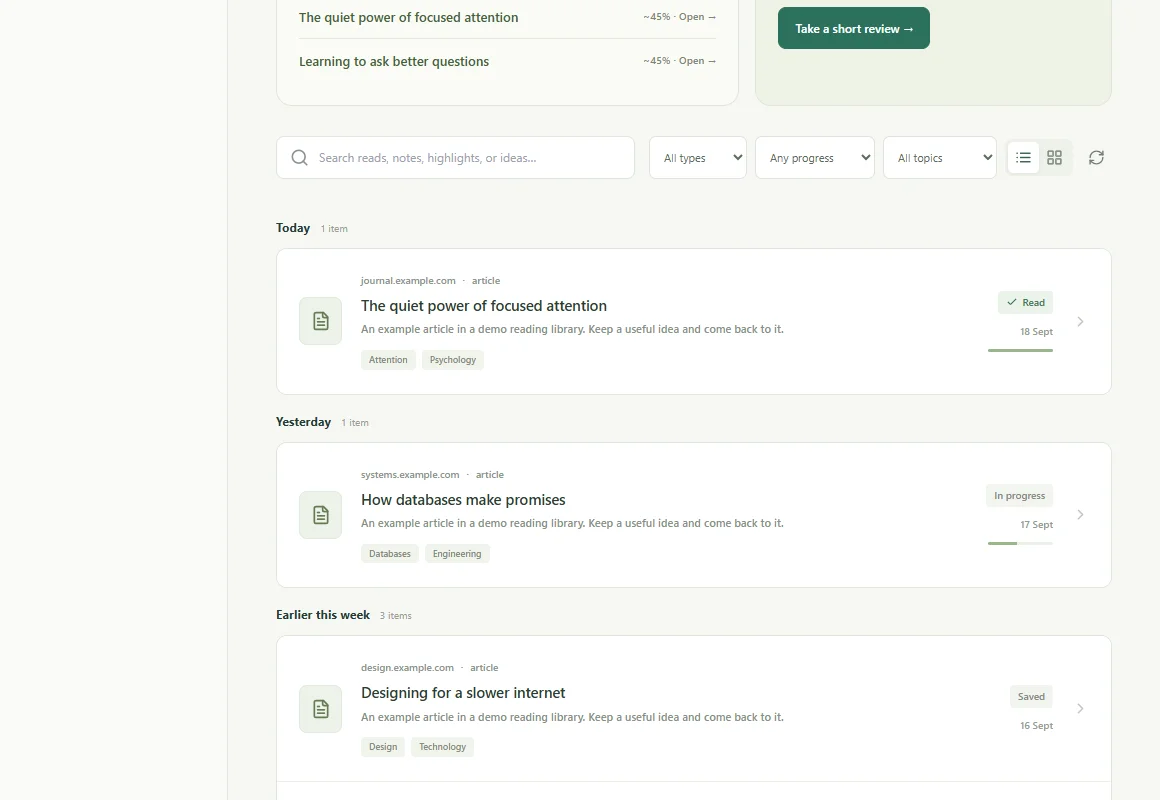
Upload the export file you already have. ReadingTrack reads it in your browser, shows you what it found, and imports it in one go. Save dates are kept, so your library still reads in the order you built it.
Saving was never the hard part. ReadingTrack helps with what comes next: a clean reader for supported articles, active reading time from the Chrome extension, and highlights and your own takeaways in one place.
On supported articles, AI summaries and review questions point back to source passages, so an idea from last month is still there when you need it. Saved, in progress, read and archived stay separate, so your library shows what you have actually read.
Use the file you downloaded from Linkwarden. Zips work as they are.
Sign in, choose the file and check what was found. Tags, archive status and save dates come across.
Open your library, filter by tag or status, and pick up a good read. Add highlights and takeaways as you go.
What the product does, where it helps, and what the numbers mean.
Every link with its name, URL, tags and the date it was created. Each collection becomes a tag, so you can filter by it in your library; links in the default Unorganized collection keep just their own tags.
In Linkwarden, open Settings, then Migrate data, and choose Export data. Upload the backup .json file to the ReadingTrack importer.
No. The import brings links and their tags. ReadingTrack makes its own clean reading copy of supported articles when you open them.
Yes. The backup file is the same whether you use Linkwarden Cloud or host it yourself.
Your backup is read in your browser. Only each link’s URL, name, tags and date are sent to your private library. Account details in the backup file stay on your device.
Yes. Importing, your library, the reader with Listen, the Chrome extension and the mobile apps are free. ReadingTrack Pro adds more AI summaries, unlimited reading lists and your full insights history; see readingtrack.com/pricing.
Bring the export file. Your library is waiting.